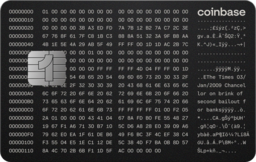
This article refers to the Coinbase One credit card. For the debit card, see Coinbase Card-Debit card overview.
You can make your payments using any authorized payment method, from your Coinbase account to your personal bank account. You can also check your Coinbase One Card balance, schedule autopay, and troubleshoot payments.
View your balance and make a payment
From the Coinbase mobile app, select Credit card.
View your balance and your next payment due date.
Select Make payment.
Choose your payment method by selecting Pay with.
You can pay from your verified linked bank account or with an accepted crypto balance.
Enter an amount.
To schedule a payment for a later date, change the Payment date.
Authorize payment and select Pay now.
Automatic payments
From the Coinbase mobile app, select Credit card.
View your balance and your next payment due date.
Select Never miss a payment.
Choose how much to pay every month.
Select a payment method.
Select a backup payment method.
Review your autopay settings.
Authorize and select Schedule autopay.
Change your payment due date
To change your monthly payment due date, contact our card specialists at 1 (855) 508-5066.
Related articles: